

In today’s digital-first landscape, your website is more than just an online presence—it’s your most powerful marketing asset. Studies from Stanford University reveal that over 75% of users judge a company’s credibility based on its website design and performance. That means your site’s speed, usability, SEO, and content quality directly influence trust, conversions, and long-term growth.
Whether you run an eCommerce store, service-based business, or SaaS platform, conducting a website audit is essential to stay competitive in 2026. A well-structured audit helps you uncover technical SEO issues, improve user experience, boost organic traffic, and increase conversion rates.
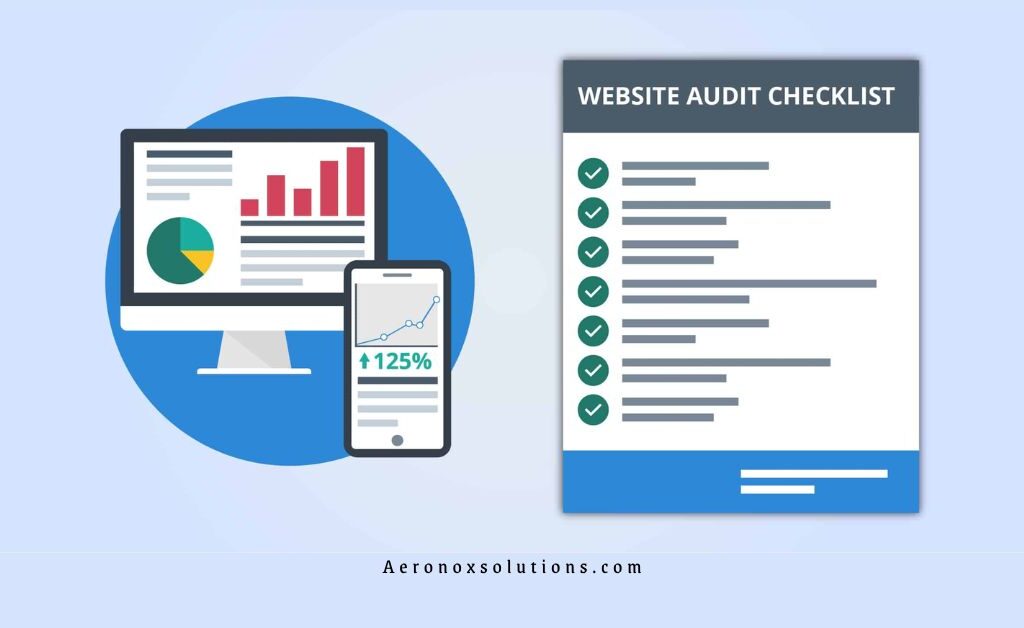
This free website audit checklist (14 steps) is designed for marketers, business owners, and SEO professionals who want to perform a comprehensive analysis. By following this framework, you can identify gaps, fix errors, and build a data-driven optimization strategy.
At the end of this guide, you’ll also be equipped to create a professional website audit report for clients or internal use—making it ideal for agencies and freelancers offering SEO services.
Step-by-Step Guide: How to Audit a Website
A website audit is a complete evaluation of your site’s technical SEO, on-page optimization, content performance, and user experience (UX). Below are the 14 essential steps to perform a high-impact audit in 2026.
Step 1: Check Google Analytics Setup
The first step in any SEO audit is verifying your Google Analytics setup. Without accurate tracking, your data-driven decisions will be flawed.
Ensure:
- Tracking code is installed on all pages
- Conversion goals (sales, leads, sign-ups) are properly configured
- Internal traffic is filtered out
- eCommerce tracking is enabled (if applicable)
Look for red flags like unusually high bounce rates or missing referral data. These often indicate tracking errors. A properly configured analytics setup provides insights into website traffic, user behavior, and conversion performance, forming the foundation of your audit.
Step 2: Analyze Traffic Trends
Once tracking is verified, dive into your traffic data. Use reports in Google Analytics to analyze trends over the past 6–12 months.
Focus on:
- Organic traffic growth or decline
- Seasonal trends
- Sudden spikes or drops
For example:
- A drop in traffic may indicate SEO issues or algorithm updates
- A spike could result from viral content or paid campaigns
Understanding these patterns helps you diagnose performance issues and identify opportunities for growth.
Step 3: Check Mobile-Friendliness
With mobile-first indexing dominating search rankings, mobile optimization is critical. Use Google Search Console or Google’s Mobile-Friendly Test to evaluate responsiveness.
Check:
- Responsive design across devices
- Readable font sizes
- Clickable buttons and navigation
- Mobile page speed
A poor mobile experience leads to higher bounce rates and lower rankings. Optimizing for mobile improves both SEO performance and user engagement.
Step 4: Assess On-Page SEO
On-page SEO ensures your pages are optimized for search engines and users.
Review:
- Title tags (50–60 characters with keywords)
- Meta descriptions (high CTR-focused)
- Header structure (H1, H2, H3)
- Image alt text
- Internal linking
Use tools like SEMrush or Ahrefs to identify issues like duplicate tags or missing metadata.
Strong on-page SEO improves rankings, visibility, and click-through rates—driving targeted traffic to your site.
Step 5: Identify Indexing Issues
Indexing determines whether your pages appear in search results. Use Google Search Console to check coverage reports.
Look for:
- Blocked pages (robots.txt)
- Noindex tags
- Duplicate content
- 404 errors
Fixing indexing issues ensures search engines can crawl and rank your content effectively, improving your organic visibility.
Step 6: Run Page Speed Tests
Website speed is a major ranking factor in 2026. Use Google PageSpeed Insights or GTmetrix to analyze performance.
Common issues include:
- Large image files
- Unoptimized scripts
- Slow server response time
Aim for load times under 3 seconds. Faster websites improve user experience, reduce bounce rates, and boost SEO rankings.
Step 7: Perform a Content Audit
Content plays a key role in SEO and conversions. Evaluate your website content for quality and relevance.
Check:
- Outdated or thin content
- Keyword optimization
- User intent alignment
- High-performing pages
Use tools like Screaming Frog to audit content at scale.
Update, improve, or remove low-quality pages to strengthen your site’s authority and improve rankings.
Step 8: Evaluate User Experience (UX)
User experience directly impacts engagement and conversions.
Assess:
- Navigation structure
- Page layout and design
- CTA placement
- Loading speed
Tools like Hotjar can help you analyze user behavior through heatmaps.
A smooth UX keeps users engaged and increases the likelihood of conversions.
Step 9: Conduct Competitor Analysis
Analyzing competitors helps you stay ahead in your niche.
Use tools like Ahrefs or SEMrush to evaluate:
- Keyword rankings
- Backlink profiles
- Content strategies
Identify gaps and opportunities to outperform competitors in search results.
Step 10: Fix Broken Links
Broken links negatively impact both UX and SEO.
Use Screaming Frog to find:
- Internal broken links
- External dead links
Fix them by:
- Updating URLs
- Setting up 301 redirects
This ensures smooth navigation and maintains your site’s credibility.
Step 11: Check Keyword Rankings
Tracking keyword rankings helps measure SEO success.
Use tools like:
- SEMrush
- Ahrefs
- Google Search Console
Identify:
- High-performing keywords
- Opportunities for improvement
Optimizing for the right keywords increases organic traffic and conversions.
Step 12: Verify Social Media Pixels
Tracking pixels are essential for digital marketing campaigns.
Check tools like:
- Facebook Pixel
- Twitter Tag
Ensure they are:
- Properly installed
- Tracking events correctly
Accurate tracking improves ad performance and retargeting strategies.
Step 13: Audit Third-Party Tools
Third-party integrations can impact performance.
Review:
- Chatbots
- Plugins
- Payment gateways
Remove outdated or unused tools to improve speed and security.
Step 14: Review URL Structure & Site Architecture
A clean URL structure improves both SEO and usability.
Ensure:
- URLs are short and keyword-rich
- Logical site hierarchy
- XML sitemap is present
A well-structured website helps search engines crawl efficiently and improves rankings.
Website CRO (Conversion Rate Optimization) Checklist
A CRO audit focuses on turning visitors into customers.
Key Areas to Optimize:
1. CTA Optimization
- Clear, action-driven CTAs
- Visible placement above the fold
- Strong visual design
2. Copywriting
- Clear, benefit-driven messaging
- Trust signals (reviews, testimonials)
3. Page Design
- Clean, modern layout
- Consistent branding
4. SEO for CRO
- Optimize high-intent pages
- Align content with user intent
5. Landing Pages
- One clear goal per page
- Strong headlines and visuals
6. Forms
- Minimal fields
- Easy submission process
7. Popups & Chat
- Timely and relevant
- Non-intrusive design
8. Mobile Optimization
- Fully responsive
- Fast loading
Conclusion
A website audit is not a one-time task—it’s an ongoing process that ensures your site stays optimized, competitive, and aligned with user expectations.
By following this 14-step website audit checklist, you can:
- Improve SEO rankings
- Increase organic traffic
- Enhance user experience
- Boost conversions
If you want to take it further, consider getting a professional audit from Aeronox Solutions to uncover deeper insights and actionable strategies.